
Description
Hoco GA31 Retro Game Stick with 2 Wireless Gamepads – Retro Gaming Console
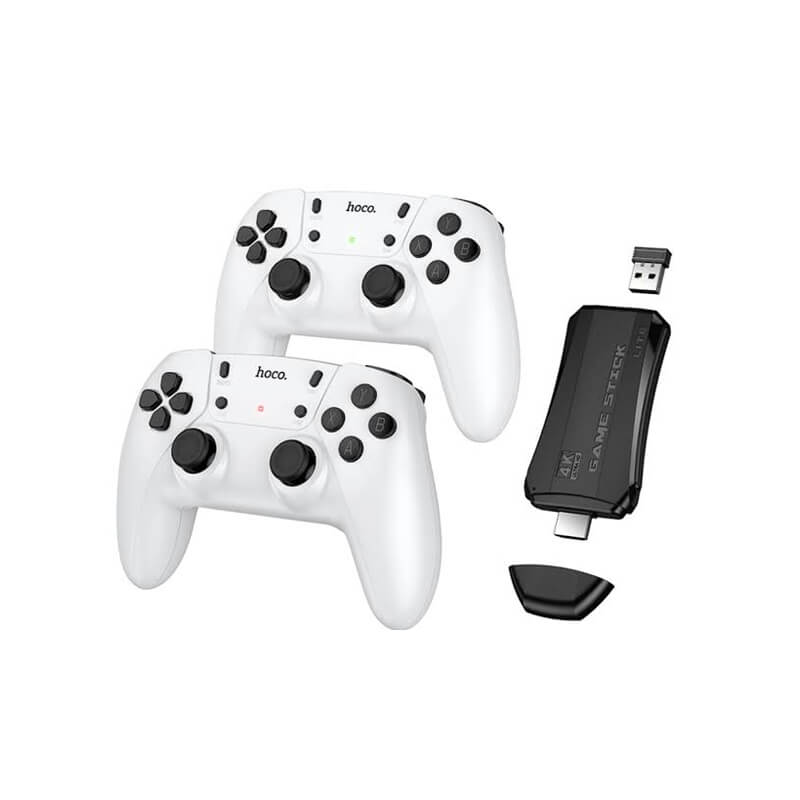
Relive the golden era of gaming with the Hoco GA31 Retro Game Stick, a compact and easy-to-use retro gaming console designed for fun-filled gaming sessions with family and friends. This plug-and-play retro game stick comes with 2 wireless gamepads, allowing two players to enjoy classic games together without dealing with complicated setup or messy cables.
Whether you grew up playing classic arcade games or simply want an affordable gaming device for home entertainment, the Hoco GA31 offers a convenient way to enjoy nostalgic gaming on your TV. Its compact game-stick design makes it easy to store, carry, and use whenever you want a quick gaming session.
If you are looking for a Hoco GA31 Retro Game Stick in Bangladesh, this gaming console can be an excellent choice for casual gamers, families, children, and anyone who enjoys classic-style video games.
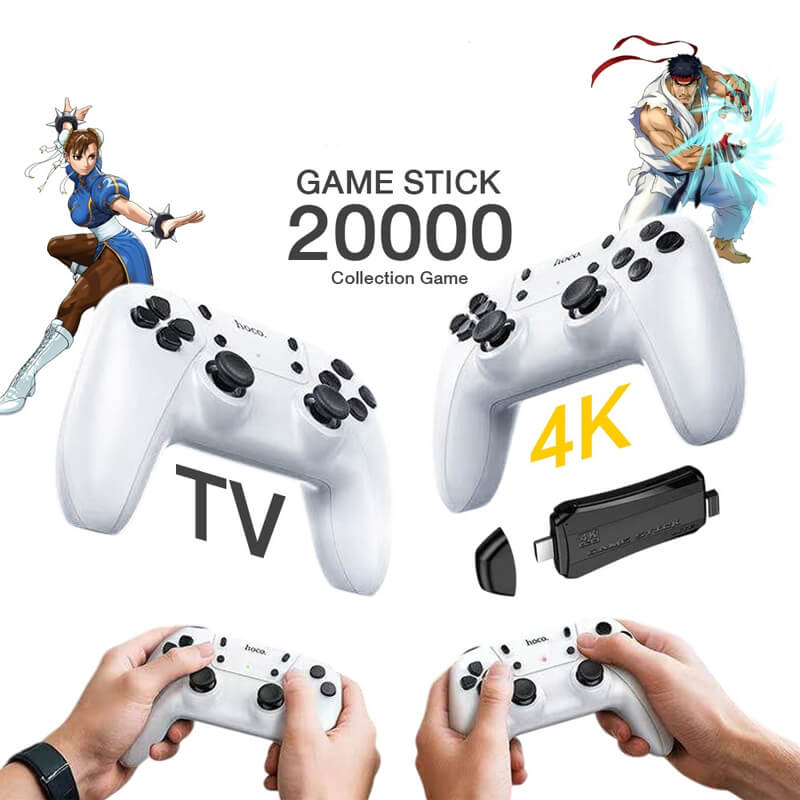
Hoco GA31 Retro Game Stick – Bring Back Classic Gaming
Modern gaming consoles can be expensive and sometimes require complicated installations, large storage space, and additional accessories. The Hoco GA31 takes a much simpler approach. It is designed around the classic retro gaming experience, giving users an easy way to enjoy nostalgic games on a compatible TV.
The included wireless gamepads make multiplayer gaming more enjoyable. You can challenge your friends, play with siblings, or spend quality gaming time with your family.
The simple setup also makes the Hoco GA31 suitable for users who don’t want to deal with complicated gaming systems. Connect the game stick to your TV, connect the necessary power source, pair the controllers, and start enjoying your gaming session.
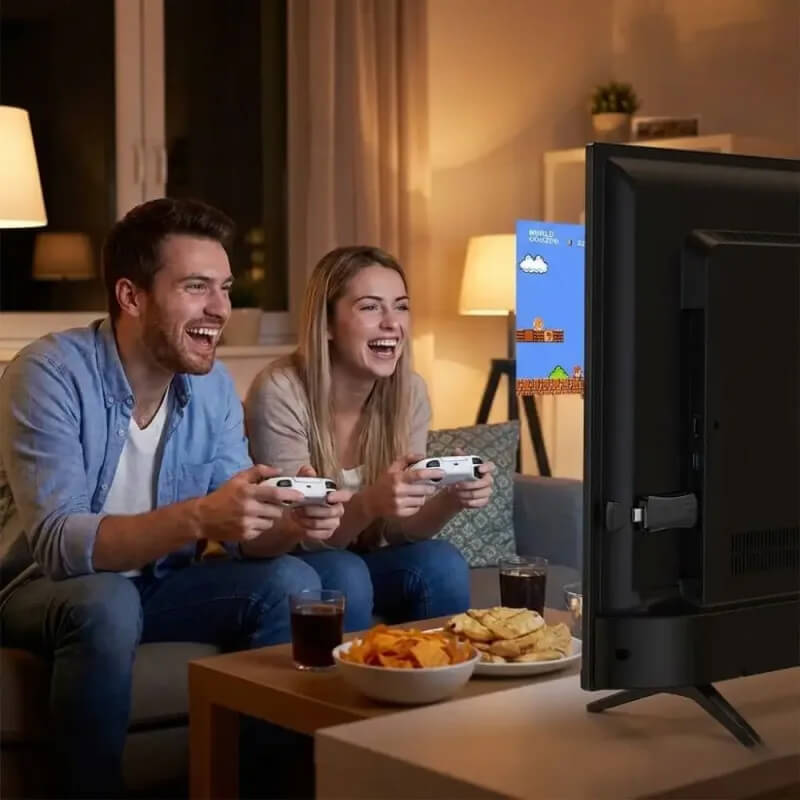
Key Features of Hoco GA31 Retro Game Stick
The Hoco GA31 Retro Game Stick is designed to recreate the fun and simplicity of classic gaming. Its retro-inspired gaming experience is perfect for players who enjoy arcade-style games and nostalgic entertainment.
🎮 Two Wireless Gamepads Included
One of the biggest advantages of the Hoco GA31 is that it comes with 2 wireless gamepads. This allows two players to enjoy multiplayer gaming without sitting directly beside the TV with wired controllers.
Play against your friends or enjoy cooperative gaming with family members.
Easy TV Gaming Setup
The game stick is designed for convenient connection to a compatible TV. Once connected properly, you can access the gaming interface and start playing without needing a complicated installation process.
This makes it a practical choice for casual gaming at home.
Compact Game Stick Design
Unlike traditional gaming consoles, the Hoco GA31 comes in a compact stick-style form factor. It takes up very little space and can easily be stored when not in use.
You can also carry it when visiting friends or family, making it a convenient entertainment device.
Perfect for Multiplayer Entertainment
Gaming is more enjoyable when shared with others. With two wireless controllers included, the Hoco GA31 is suitable for multiplayer sessions with friends, siblings, and family members.
It can turn your TV into a simple entertainment station for casual gaming.
Why Choose Hoco GA31 Retro Game Stick?
There are many retro gaming products available in the market, but the Hoco GA31 Game Stick stands out because of its convenient design and included wireless controllers.
If you want a gaming device without spending a large amount on a traditional console, the Hoco GA31 can provide an enjoyable alternative.
Its compact size, wireless gamepads, and straightforward setup make it suitable for both experienced gamers and beginners.
Easy to Use
You don’t need to be a gaming expert to use a retro game stick. The Hoco GA31 is designed for simple operation, making it suitable for different age groups.
Multiplayer Gaming
With two wireless gamepads, you can enjoy multiplayer gaming with another person. This makes the device especially appealing for family entertainment and social gaming.
Space-Saving Design
The small game-stick design takes up significantly less space than traditional gaming consoles. You can keep it beside your TV or store it away after use.
Great for Nostalgia
If you remember spending hours playing classic arcade-style games, a retro gaming console can bring back those nostalgic moments in a modern and convenient format.
Hoco GA31 Retro Game Stick for Family Entertainment
The Hoco GA31 isn’t only for individual gamers. It can also be a fun entertainment option for families.
Instead of everyone spending time separately on smartphones, tablets, or other devices, multiplayer retro gaming provides an opportunity to interact and compete together.
Parents can introduce children to classic-style games, while older gamers can revisit the type of gaming experience they enjoyed years ago.
It can also be a great addition to a family entertainment setup, bedroom TV, gaming corner, or casual home gaming station.
Hoco GA31 Game Stick with 2 Wireless Controllers
The inclusion of two wireless controllers is particularly useful for multiplayer gaming. Traditional single-controller setups can require additional controller purchases, but the Hoco GA31 package is designed around a two-player experience.
The wireless design also helps keep the gaming area cleaner. You don’t have to deal with long controller cables running across the room.
For two-player games, simply hand one controller to your gaming partner and start the competition.
Compact and Travel-Friendly Gaming Device
Another advantage of the Hoco GA31 Retro Game Console is its compact design. Unlike large gaming consoles that require dedicated space, a game stick can be stored easily.
You can take it with you when visiting friends or relatives, making it a convenient entertainment option during gatherings and holidays.
Its small form factor also makes it suitable for smaller rooms where space is limited.
Who Should Buy the Hoco GA31?
The Hoco GA31 Retro Game Stick can be a good choice for:
-
Retro gaming enthusiasts
-
Casual gamers
-
Families looking for shared entertainment
-
Children who enjoy simple video games
-
People looking for an affordable gaming setup
-
Fans of classic arcade-style gaming
-
Users who want multiplayer gaming
-
Anyone looking for a compact game console
-
People searching for a retro game stick in Bangladesh
How to Use Hoco GA31 Retro Game Stick
Using a retro game stick is generally straightforward.
Step 1: Connect the game stick to a compatible TV using the required connection.
Step 2: Connect the appropriate power source.
Step 3: Turn on your TV and select the corresponding input/source.
Step 4: Prepare the two wireless gamepads according to the included instructions.
Step 5: Navigate through the gaming interface.
Step 6: Select your preferred game and start playing.
Always follow the manufacturer’s instructions for the correct connection and controller pairing process.
Tips for Getting the Best Gaming Experience
For a better gaming experience with your Hoco GA31, keep the game stick and controllers in a clean, dry location.
Make sure the controllers have sufficient battery power before starting a multiplayer gaming session.
For the best viewing experience, sit at a comfortable distance from the TV and adjust the display settings according to your preference.
When you finish gaming, properly power off the device and store the controllers safely.
Why Buy Hoco GA31 from Youth Fashion?
Youth Fashion is an online shopping destination in Bangladesh offering a range of gadgets, electronics, smart devices, accessories, and lifestyle products.
When purchasing the Hoco GA31 Retro Game Stick, customers should look for accurate product information, convenient ordering, secure payment options, and dependable delivery service.
Check the latest availability and product details before placing your order.
Final Verdict
The Hoco GA31 Retro Game Stick with 2 Wireless Gamepads is an excellent option for anyone who wants a simple, compact, and entertaining retro gaming setup. Its two wireless controllers make multiplayer gaming more enjoyable, while its compact game-stick format keeps the setup convenient and space-efficient.
From family gaming sessions to nostalgic weekends with friends, the Hoco GA31 can add a fun retro gaming experience to your TV.
If you’re searching for a Hoco GA31 Retro Game Stick in Bangladesh, this model is worth considering for its multiplayer-focused setup, compact design, and easy-to-use gaming concept.


Reviews
There are no reviews yet.